Peilo, apprentice fire-breather.
After a long day of practice, all that came out was a smoke ring.
Some things take time. We can try again tomorrow.
A LITTLE DESKMATE
Peilo keeps you company on your phone while you work. On your computer, it helps you see your AI activity and look back on your work with AI.
Leave your email. We’ll let you know when you can try Peilo.
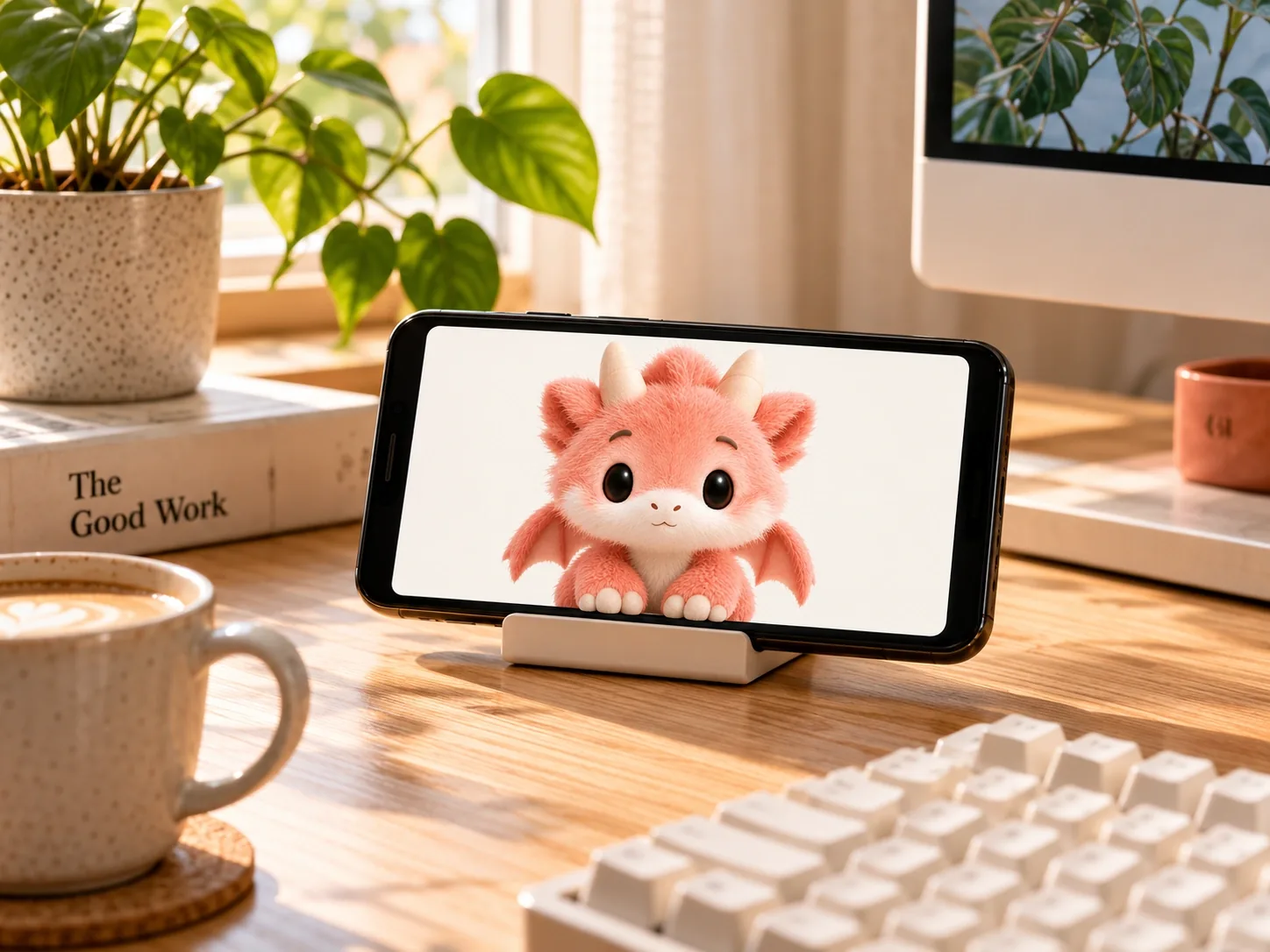
After a long day of practice, all that came out was a smoke ring.
Some things take time. We can try again tomorrow.
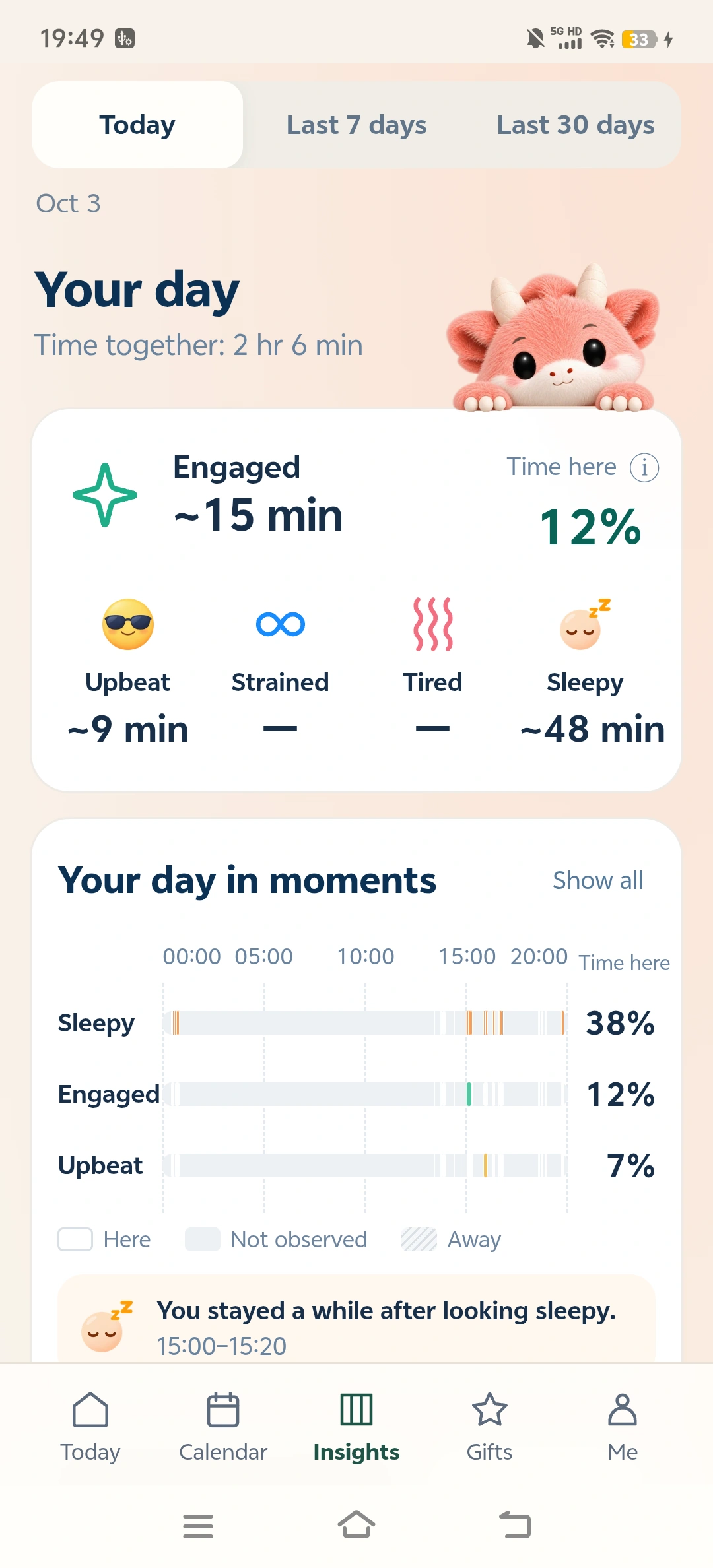
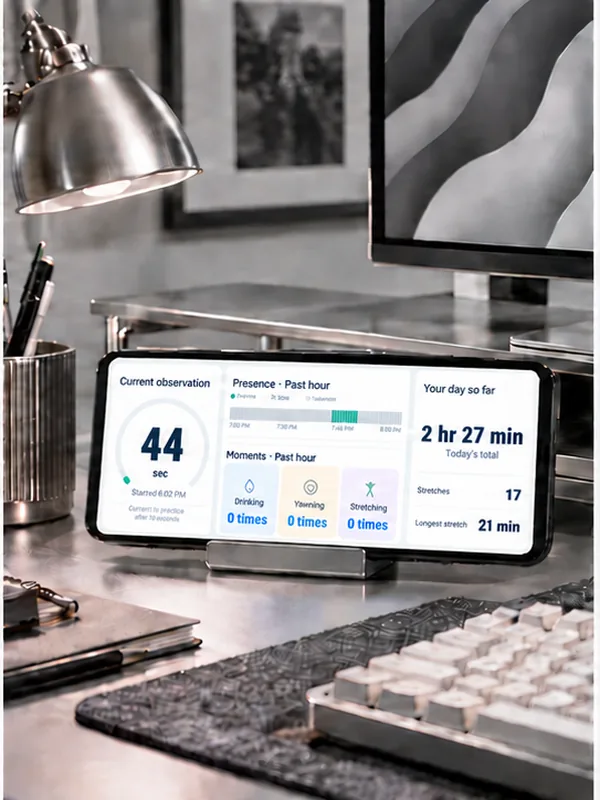
Start a session on your phone when you want Peilo by your side. Later, review the moments your phone recorded.Explore the phone appSee a device walkthrough

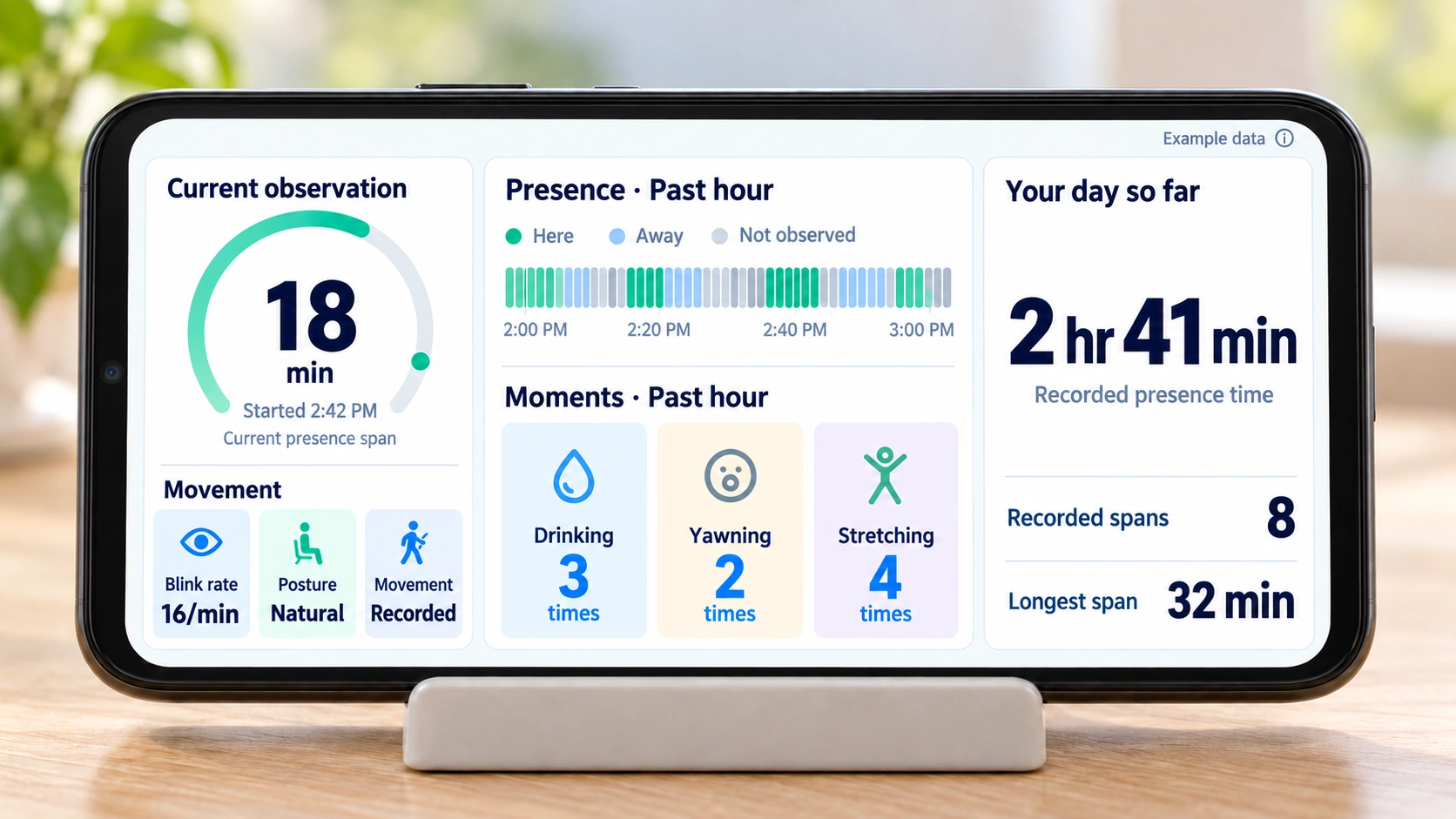
← Swipe left: CompanionFocus modeSwipe right: Dashboard →
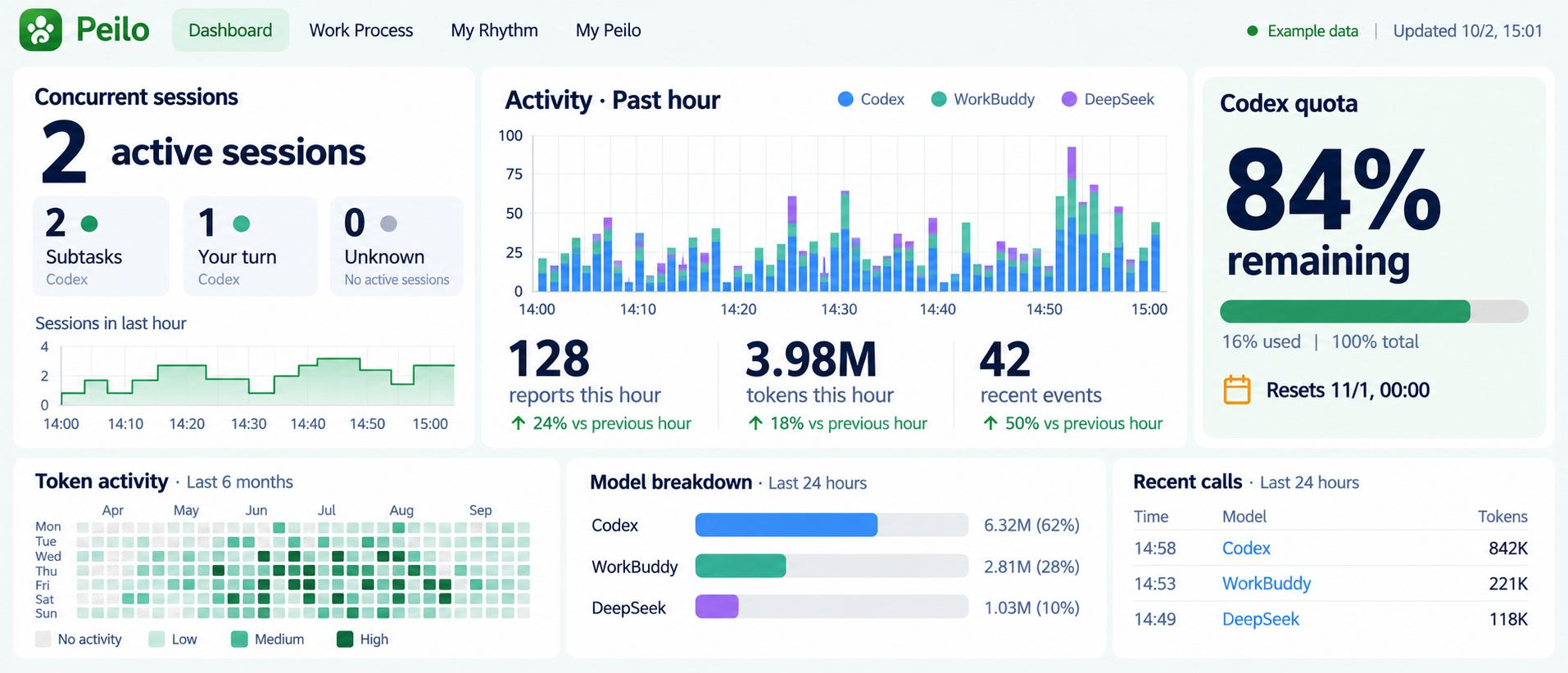
Working with AI? Peilo has a desktop side, too.
Your phone works on its own; the desktop app is another way to use Peilo.
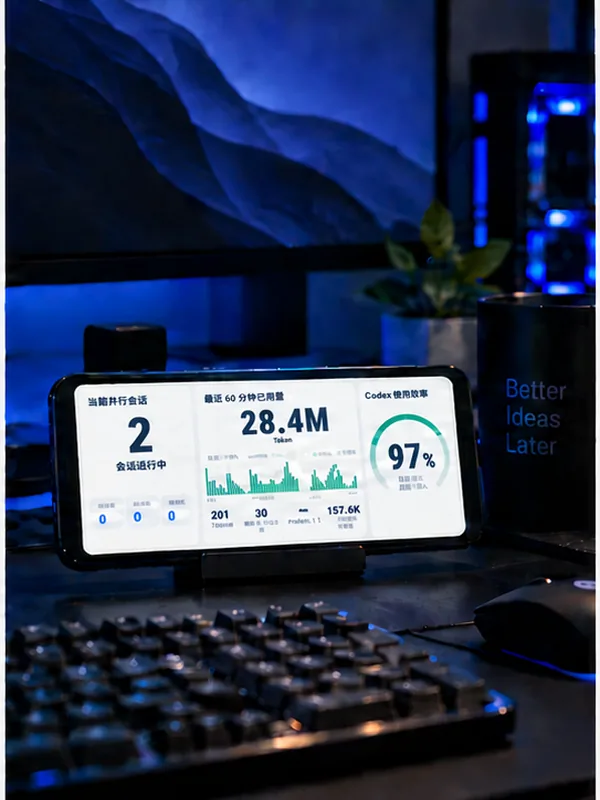
Working with Codex? Review sessions, recent usage, and remaining quota.
After you connect
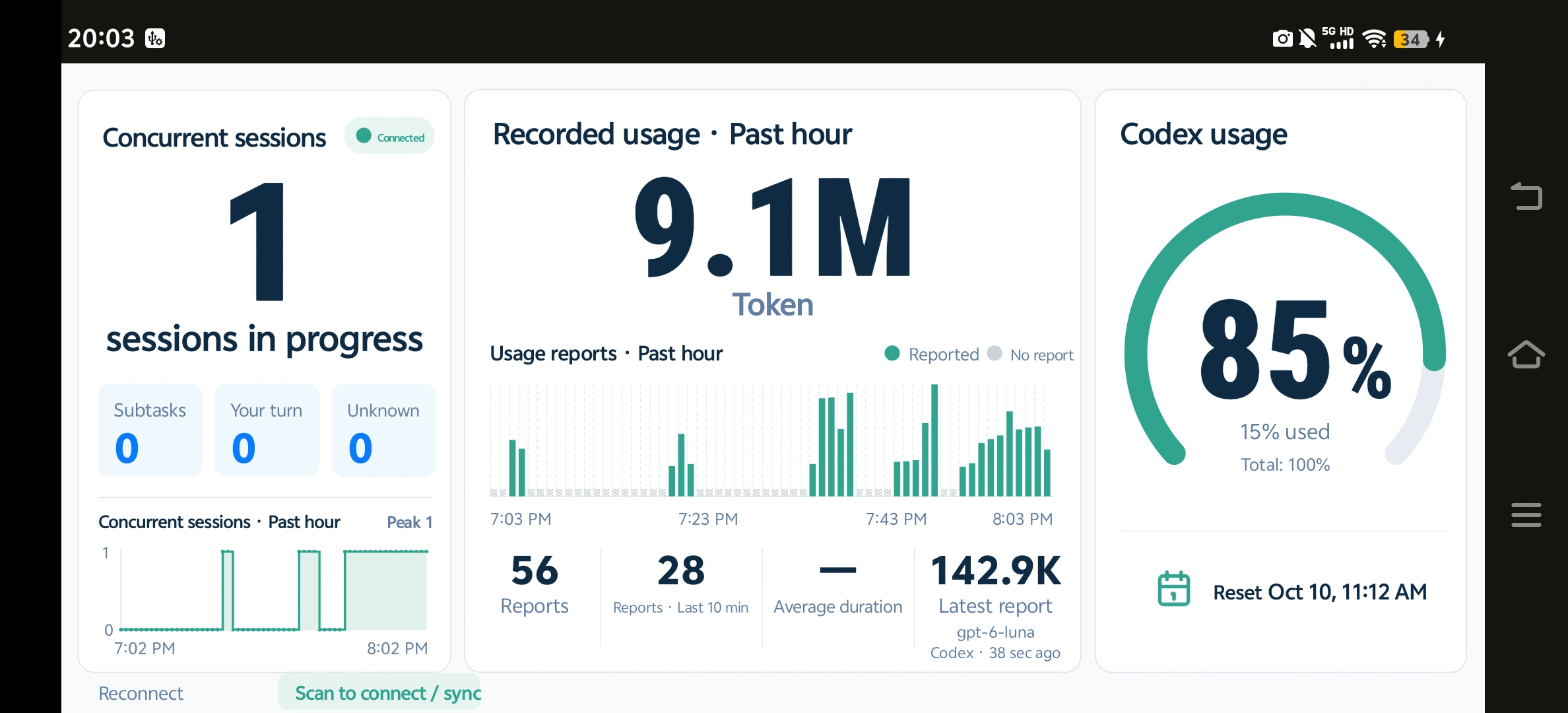
Use either app on its own. Pairing your phone with your PC is optional. Read a real PC capture
Start a session on your phone. With history sync enabled, review recorded moments alongside AI activity on your PC.
After you enable history sync
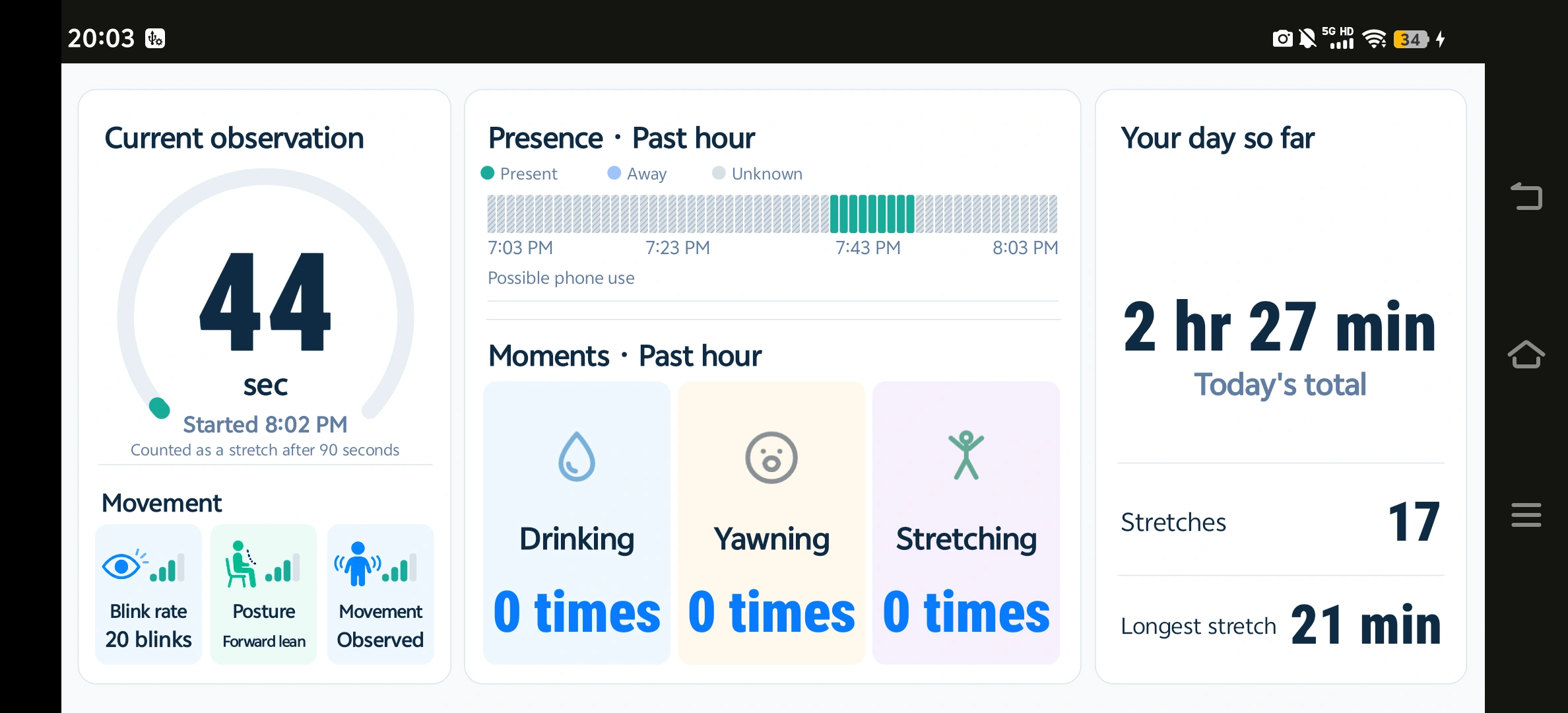
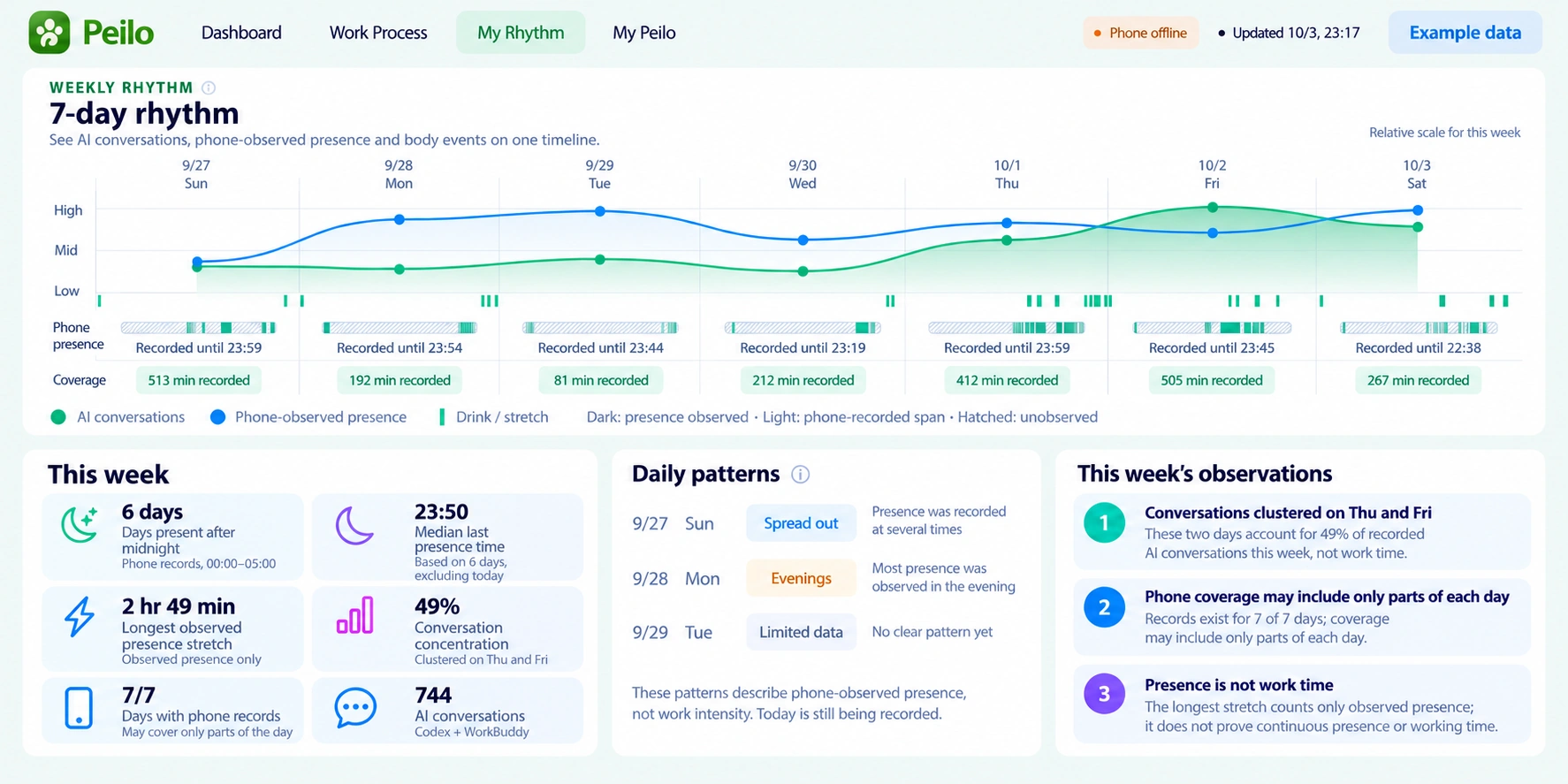
Pairing and history sync are separate choices. Phone records cover observed moments, not the whole day.
How to review a week of AI work →
See what you worked on, how it developed,
and what you might try differently next time.
Daily activity and project distribution, based on conversation counts.
Conversation patterns, not ability. A conversation may match more than one group.
PC work review · Illustrative interface, not real usage records About AI work review →
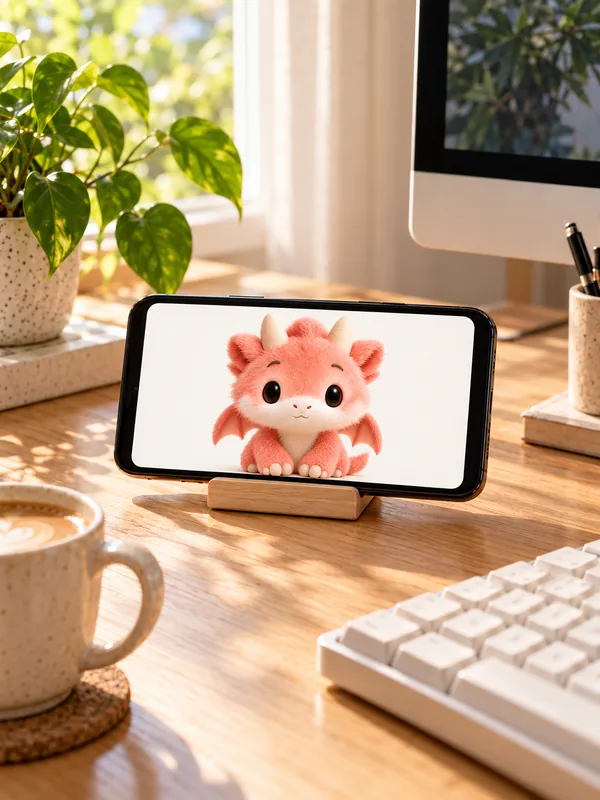
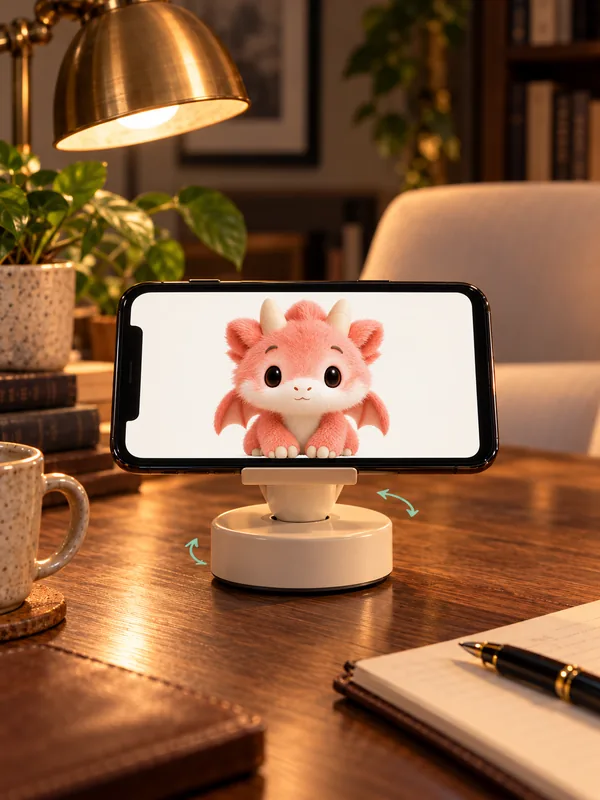 Hardware concept · In development
Use your phone to keep Peilo by your side, or your PC to review your AI work.
Leave your email. We’ll let you know when you can try Peilo.